Face-scan verification
A stronger identity check around sensitive employee check-in actions.
Workforce SaaS case study
A production-style workforce platform that brings staff check-ins, employee records, payroll review, location management, and sensitive administrative work into one focused system.
01 / 05
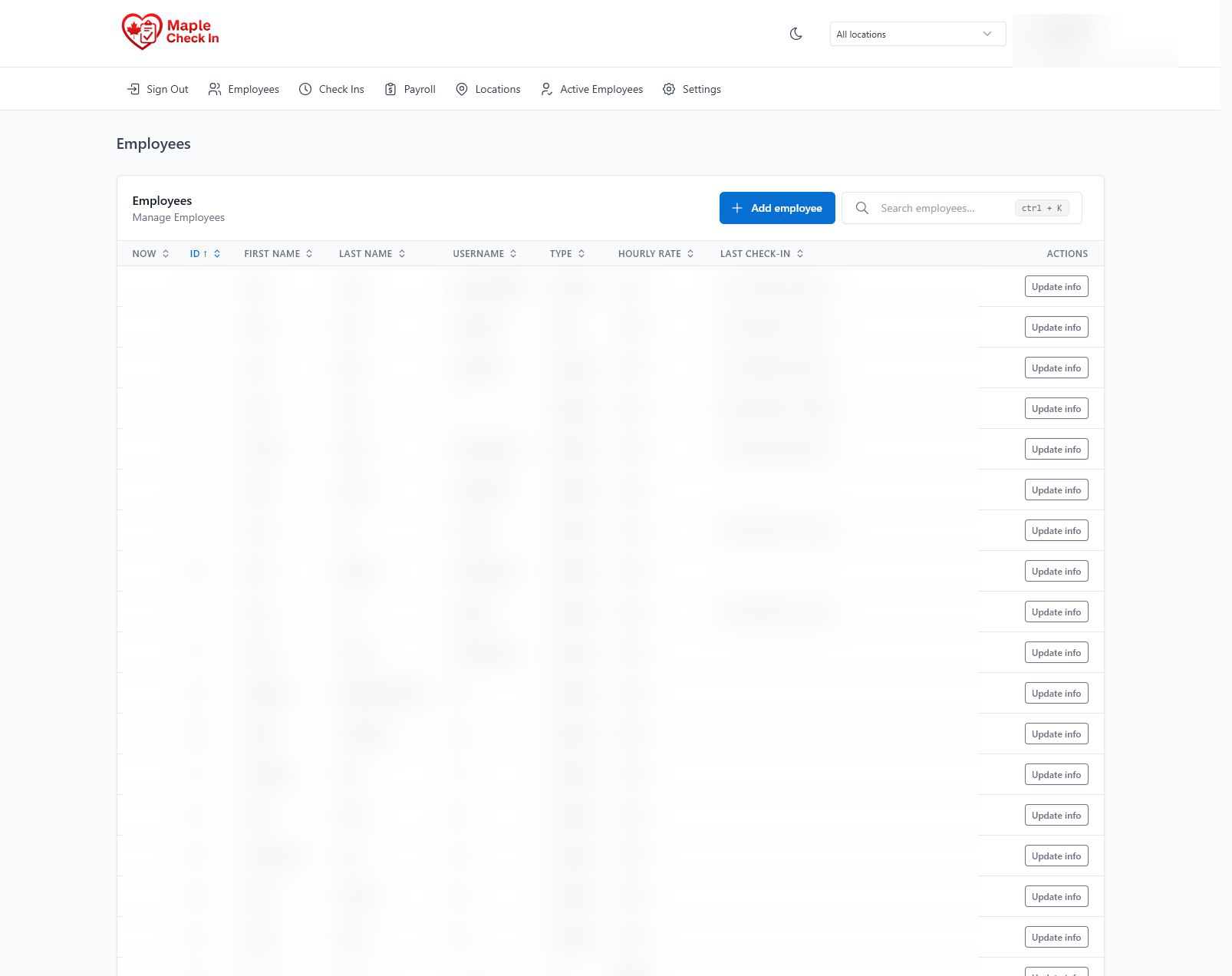
Employee management
Project overview
The system pairs a straightforward check-in experience with a protected administration area for the records and decisions behind it. Private names and account details are blurred in the public gallery.
Operational challenge
A useful check-in system has to do more than record a timestamp. A pharmacy operation also needs confidence in who completed the action, a clear location and timezone context, a way to correct legitimate mistakes, and records that can support payroll review.
The administrative side therefore carries most of the complexity: employee accounts, roles, rates, locations, record status, manual punches, exports, and private information all need to remain understandable without making the employee-facing flow harder to use.
This public case study describes the delivered product surfaces and technical shape. It does not invent time-savings, financial returns, or adoption figures that were not formally measured.
System capabilities
A stronger identity check around sensitive employee check-in actions.
Authenticated, role-aware administration for private workforce information.
Searchable records, account controls, rates, roles, and employee status management.
Punch history, date filters, manual corrections, locked records, and operational review.
Location details, timezones, assignments, and controls for more than one operating site.
Hours, rates, totals, summaries, and CSV exports for downstream review.
Architecture decisions
The system design separates quick daily actions from sensitive operational controls while preserving the context administrators need to review exceptions.
Keep the focused employee check-in flow distinct from the denser administration experience used to review and manage records.
Protect employee, payroll, location, and settings work behind authenticated administrative access instead of exposing one shared interface.
Use browser-based face tooling around attendance actions where stronger confidence is more useful than a simple unchecked button press.
Support filters, manual corrections, locking, and exports so operational exceptions can be reviewed rather than silently overwritten.
Technical shape
Verification
Related capability
See how custom software projects are scoped around users, roles, data, review states, and the smallest useful release.
Contact
Share the workflow, users, private data considerations, and the work the system needs to make easier.